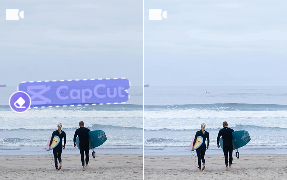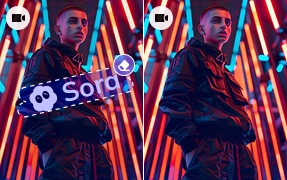




Remove any unwanted object from video free online with AI precision.
Start Now


Yes. Most AVCLabs online tools — including the Video Enhancer, Object Remover, Image Upscaler, and AI Image Generator — are free to use directly in your browser.
No software installation is required. Some advanced features or higher-resolution exports may require a free account or a paid plan.
No installation needed. All AVCLabs online tools run entirely in your browser — just upload your file, apply the AI processing, and download the result.
If you need batch processing, offline access, or more powerful performance, you can try our desktop apps for Windows and Mac.
AVCLabs online tools support the most common formats.
Output formats may vary by tool — most video tools export as MP4, while image tools export as PNG or JPG.
Upload your video and use the brush tool to mark the object, person, watermark, or text you want removed.
The AI automatically tracks and erases the selected area across all frames, then fills in the background naturally — no frame-by-frame editing required.
Yes. Your files are only used for processing and are not shared with third parties.
Uploaded content is automatically deleted from our servers after processing is complete.
AVCLabs does not use your media for AI training without explicit consent.
The online tools are ideal for quick, single-file tasks with no setup required.
The desktop apps — AVCLabs Video Enhancer AI, Video Blur AI, Photo Enhancer AI, and PhotoPro AI — offer:
For professionals handling large volumes of content, the desktop apps deliver faster and more consistent results.
Easily blur faces, backgrounds, license plates, or remove objects from video, with high accuracy — all offline on your PC or Mac.